
How to create AI interior design ideas from a room photo
Upload a photo, choose a style and budget, and compare interior ideas in RealyRoom.
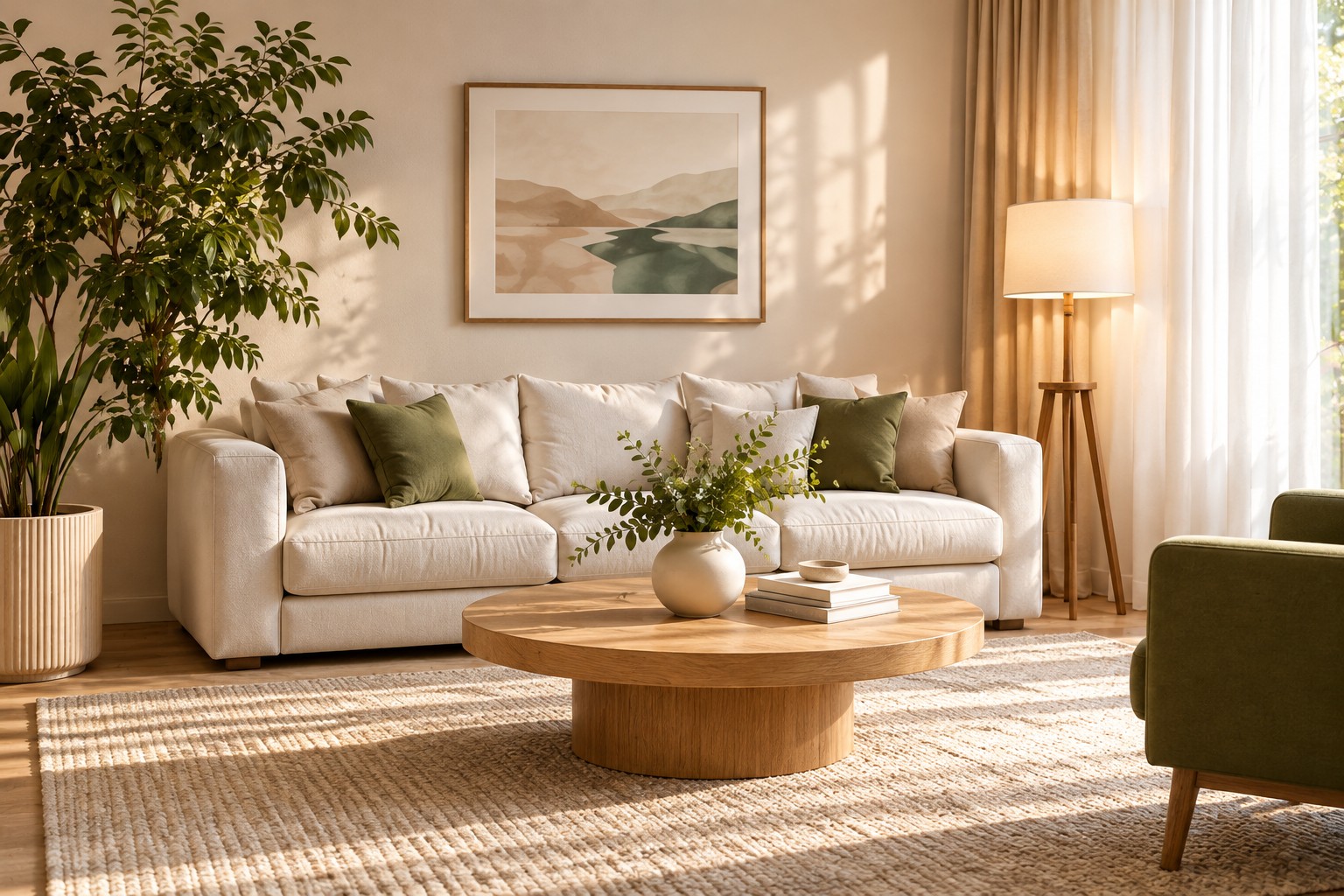
You do not need to buy new furniture or create a complicated 3D model to explore a different room design. You can start with a photograph of the space you already have.
1. Take a clear photo
Photograph the room in even lighting. Try to include the walls, floor, ceiling, windows and doors. Avoid extreme wide-angle distortion.
2. Upload your photo
Choose the photo upload option on RealyRoom's home page. The service analyzes the visible room and helps structure your design request.
3. Set your preferences
Select the room purpose, style and budget. Tell the designer what must stay, such as existing windows or flooring. Add important constraints in your own words.
4. Compare design concepts
Start generation. Guests receive a single variant; registered users have additional comparison options. Treat AI images as design concepts, not measured construction drawings. Always check that the geometry still makes sense.
5. Explore matching products
Once a design is ready, use the product suggestions to explore furniture and finishes. Verify dimensions, prices and availability with the seller before purchasing.
Tip: clearly stating what should not change often makes AI design ideas more useful.